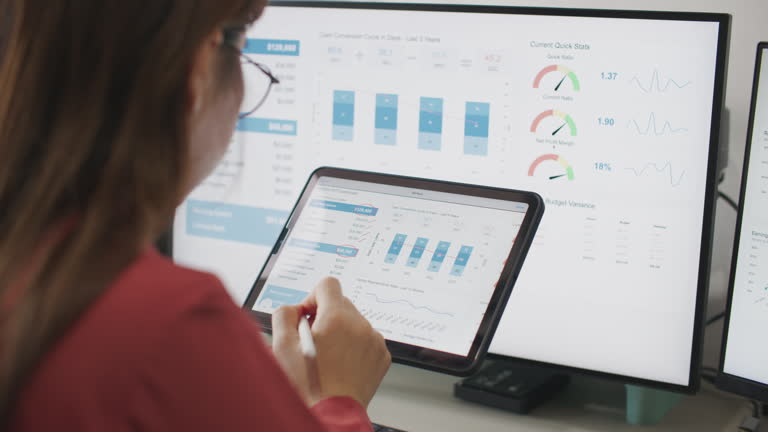
Marketing teams rely on data to understand what is working, identify areas for improvement, and make informed decisions about future campaigns. However, collecting data from different channels is only the first step. Businesses also need an effective way to organise, analyse, and interpret that information. This is where a marketing analytics dashboard can make a significant difference.
A well-designed dashboard brings important marketing metrics into one central location, making it easier to monitor campaign performance and identify trends. Whether you manage digital advertising, email campaigns, social media, SEO, or multiple marketing channels, choosing the right dashboard can help turn complex data into useful insights.
What Is a Marketing Analytics Dashboard?
A marketing analytics dashboard is a visual reporting tool that brings together marketing data from different sources. Instead of reviewing individual reports across multiple platforms, marketers can use one dashboard to monitor important performance indicators.
Depending on the business and its marketing activities, a dashboard may display information such as website traffic, leads, conversions, engagement, advertising performance, customer acquisition costs, and return on investment.
The main purpose is not simply to display numbers. An effective dashboard should help marketing teams understand what those numbers mean and use the insights to improve their strategies.
Key Features to Look for in a Marketing Analytics Dashboard
Not every dashboard provides the same capabilities. Before choosing one, it is important to consider the features that will provide the most value for your marketing objectives.
1. Centralised Data Integration
Marketing data often comes from numerous sources. Website analytics, social media, email marketing, paid advertising, CRM systems, and SEO platforms may all provide valuable information.
A good dashboard should make it possible to bring relevant data together in one place. Centralised reporting reduces the need to switch between different platforms and makes it easier to compare results across channels.
Look for integration capabilities that support the platforms and data sources your business already uses.
2. Customisable Metrics and KPIs
Every marketing team has different objectives. An ecommerce business may focus heavily on revenue and conversions, while a B2B company may prioritise leads, sales opportunities, and customer acquisition costs.
A useful dashboard should allow you to select and customise the metrics that matter most to your business.
Common KPIs include:
- Website traffic
- Leads and conversions
- Conversion rate
- Cost per lead
- Customer acquisition cost
- Return on advertising spend
- Revenue generated
- Engagement rate
- Email performance
- Social media interactions
Customisation helps ensure that the dashboard remains focused on meaningful business outcomes rather than unnecessary data.
3. Real-Time or Frequent Data Updates
Marketing performance can change quickly, particularly when businesses are running paid campaigns or time-sensitive promotions. Delayed information can make it harder to identify problems before they affect results.
A dashboard that provides real-time or frequent data updates allows marketers to monitor campaigns more closely. For example, if advertising costs suddenly increase while conversions decline, the team can investigate the issue sooner.
The appropriate update frequency will depend on the type of marketing activity and the decisions being made.
4. Easy-to-Understand Visualisations
Marketing data can become difficult to interpret when it is presented only in spreadsheets or lengthy reports. Visualisation makes important patterns easier to recognise.
Charts, graphs, tables, scorecards, and trend lines can help users quickly understand performance.
An effective dashboard should use visual elements to answer questions such as:
- Is performance improving or declining?
- Which campaign is generating the most conversions?
- Which channel provides the best return?
- Where are marketing costs increasing?
- Are current results meeting established targets?
Clear visualisation allows decision-makers to understand important information without spending excessive time analysing raw data.
5. Campaign Performance Tracking
Campaign tracking is another important feature to consider. Marketers need to understand how individual campaigns perform against their objectives.
A dashboard should make it possible to compare campaigns based on metrics such as impressions, clicks, engagement, conversions, costs, and revenue.
This makes it easier to identify high-performing campaigns and determine where budget or resources may need to be adjusted.
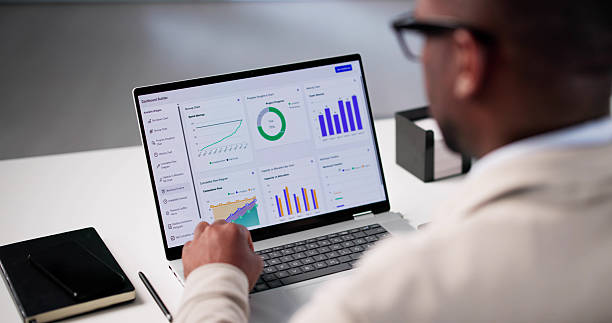
Advanced Features That Can Add More Value
Basic reporting capabilities may be sufficient for some businesses, but advanced features can provide deeper insights as marketing operations become more complex.
6. Historical Data and Trend Analysis
Looking at current performance is useful, but historical data provides important context. A dashboard should ideally allow marketers to compare current results with previous periods.
For example, businesses may compare:
- Week-over-week performance
- Month-over-month results
- Year-over-year growth
- Campaign performance across different periods
- Seasonal changes
Trend analysis can help businesses distinguish between temporary fluctuations and longer-term changes.
7. Automated Reporting
Creating reports manually can consume valuable time, especially when marketing teams need to provide updates regularly.
Automated reporting can simplify this process by generating scheduled reports based on selected metrics and time periods. This can be particularly useful for teams that regularly report marketing performance to managers, executives, or other stakeholders.
Automation also helps create consistency in reporting and reduces repetitive administrative work.
8. Audience and Customer Insights
Understanding who interacts with marketing campaigns can be just as important as understanding how campaigns perform.
Where available, audience insights can help marketers analyse customer segments, demographics, behaviours, acquisition sources, and engagement patterns.
These insights can support more targeted marketing strategies and help businesses understand which audiences are most valuable.
9. Conversion and Funnel Tracking
A dashboard should ideally provide visibility across the customer journey. Tracking only clicks or website visits does not necessarily show whether marketing activity is contributing to business growth.
Funnel tracking can show how users move from initial awareness through engagement, lead generation, and conversion.
This helps marketers identify where potential customers are dropping out and where improvements may be needed.
Why Usability Matters
A dashboard can contain extensive functionality, but it will have limited value if users find it difficult to understand or navigate.
The interface should be intuitive, information should be organised logically, and important metrics should be easy to locate. Users should not need advanced technical knowledge simply to understand basic campaign performance.
Accessibility is also important when multiple teams need to use the same reporting system. Marketing managers, analysts, sales teams, and business leaders may all need different levels of information.
Security and Data Accuracy
Marketing decisions are only as reliable as the data behind them. When evaluating a dashboard, businesses should consider how data is collected, processed, stored, and updated.
Accuracy is particularly important when different data sources are combined. Consistent definitions for metrics can help prevent confusion and ensure that teams are working from the same information.
Security should also be considered, especially when dashboards connect to customer, financial, or business performance data.
Choosing the Right Dashboard for Your Business
The best solution depends on your marketing goals, data sources, team size, and reporting requirements. Instead of choosing a dashboard based solely on the number of features available, focus on whether those features solve real business problems.
Consider asking:
- Which marketing channels need to be tracked?
- Which KPIs are most important?
- How frequently does the data need to be updated?
- Who will use the dashboard?
- What reports need to be created regularly?
- Does the system integrate with existing data sources?
- Can the dashboard scale as marketing activities grow?
Answering these questions can help narrow down the available options and prevent businesses from investing in unnecessary functionality.
Conclusion
A well-designed marketing analytics dashboard can make marketing data easier to understand, compare, and act upon. Features such as data integration, customisable KPIs, clear visualisations, campaign tracking, historical analysis, automated reporting, and conversion tracking can provide valuable insight into marketing performance.
The most effective dashboard is not necessarily the one with the greatest number of features. It is the one that presents accurate, relevant information in a way that helps your team make faster and more informed decisions. By focusing on usability, integration, flexibility, and meaningful metrics, businesses can choose a dashboard that supports both their current marketing needs and future growth.